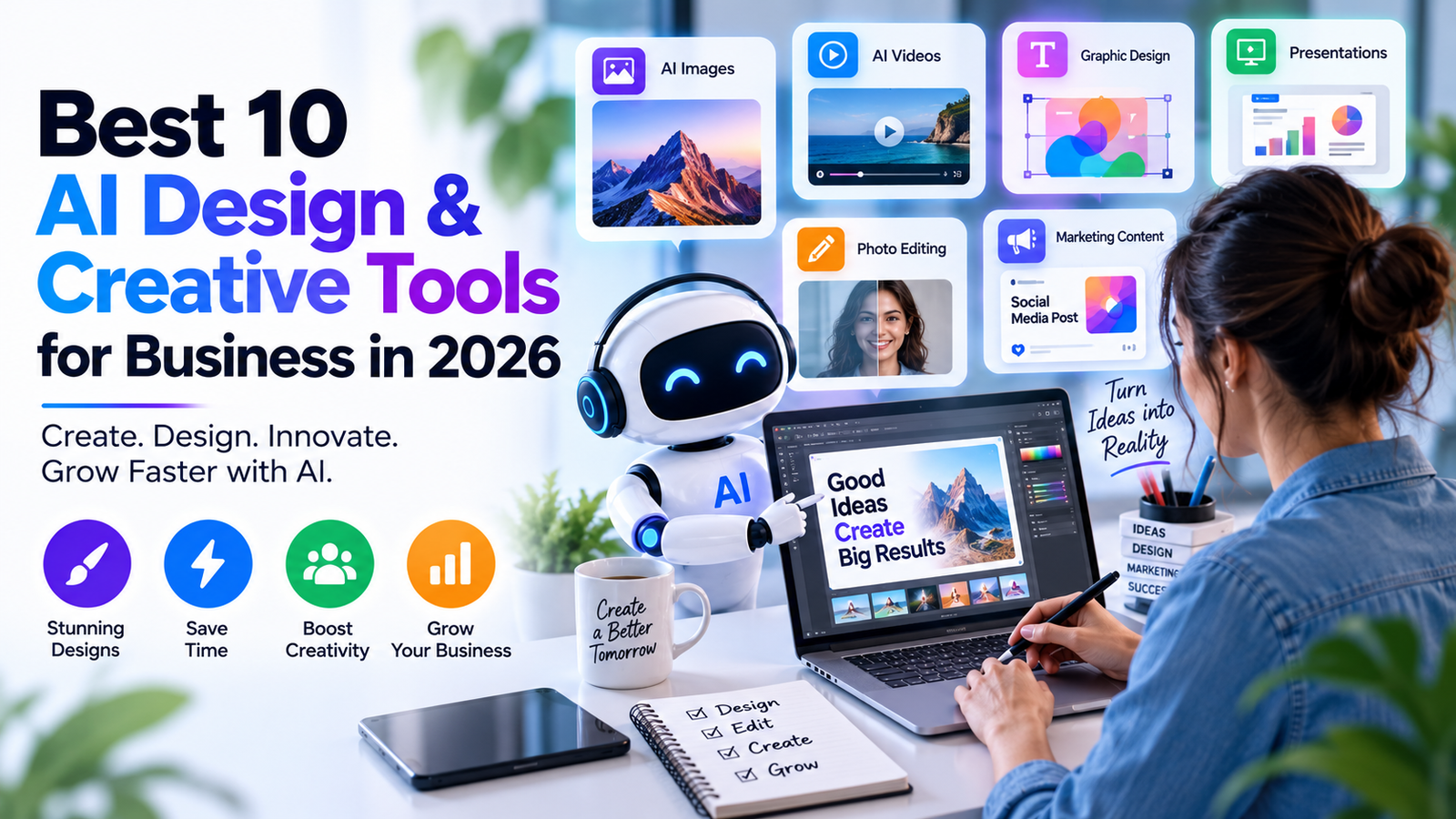
Creating professional graphics, images, videos, presentations, and marketing materials no longer requires a large creative team or hours of manual editing.
AI design and creative tools have made it much easier for businesses to turn ideas into visual content. From generating images and social media graphics to creating videos and presentations, these tools can speed up the creative process and help small businesses compete with larger brands.
However, every AI design tool has a different purpose. Some are better for graphic design, while others focus on AI image generation, video creation, presentations, or creative editing.
In this guide, we’ll look at the best AI design and creative tools for business in 2026, their main features, use cases, advantages, limitations, and which tool is best for different business needs.
Quick Comparison: Best AI Design & Creative Tools
| Tool | Best For | Ideal Users |
| Canva AI | All-around business design | Small businesses & marketers |
| Adobe Firefly | Professional AI creative work | Designers & agencies |
| Midjourney | AI image generation | Creators & designers |
| ChatGPT | Creative ideas & assistance | Businesses & marketers |
| Runway | AI video creation | Video creators |
| Descript | Video & audio editing | Content creators |
| Gamma | AI presentations | Businesses & professionals |
| Adobe Express | Quick marketing designs | Small businesses |
| Leonardo AI | Creative image generation | Designers & creators |
| Ideogram | AI images with text | Marketers & designers |
What Are AI Design & Creative Tools?
AI design and creative tools use artificial intelligence to help users create, edit, and improve visual content.
Depending on the platform, AI can help with:
- Graphic design
- Image generation
- Photo editing
- Video creation
- Presentation design
- Background removal
- Image enhancement
- Social media content
- Advertising graphics
- Product images
- Creative concepts
- Marketing materials
For businesses, the biggest advantage is often speed.
Instead of starting every design from scratch, AI can help generate a first concept that a designer or marketer can then edit and refine.
Best AI Design & Creative Tools for Business in 2026
#1. Canva AI — Best Overall AI Design Tool
Canva AI is one of the easiest options for businesses that need to create visual content regularly.
It combines templates, graphic design tools, photo editing, presentations, social media designs, and AI-powered creative features in one platform.
Best For
- Social media graphics
- Marketing materials
- Presentations
- Posters
- Flyers
- Advertisements
- YouTube thumbnails
- Simple videos
- Business documents
The biggest advantage of Canva is accessibility. A business owner or marketing employee doesn’t necessarily need professional graphic design experience to create useful visual content.
Pros
- Beginner-friendly
- Large selection of templates
- Useful AI features
- Multiple design formats
- Good for marketing teams
Cons
- Professional designers may require more advanced software
- AI-generated designs may still need manual editing
Best for: Small businesses, marketers, agencies, entrepreneurs, and social media teams.
#2. Adobe Firefly — Best for Professional AI Creative Work
Adobe Firefly is Adobe’s generative AI technology designed for creative workflows.
It can help users generate and modify visual content while working within Adobe’s wider creative ecosystem.
Best For
- AI image generation
- Creative concepts
- Image editing
- Marketing visuals
- Professional design workflows
For businesses already using Adobe software, Firefly can fit naturally into an existing creative process.
Pros
- Designed for professional creative workflows
- Strong Adobe ecosystem integration
- Useful generation and editing capabilities
- Suitable for creative professionals
Cons
- Some Adobe workflows have a learning curve
- May be more advanced than necessary for basic business graphics
Best for: Professional designers, creative agencies, and businesses using Adobe products.
#3. Midjourney — Best for AI Image Generation
Midjourney is well known for generating detailed images from text prompts.
It can be useful when businesses need original visual concepts for campaigns, articles, social media, or creative projects.
Business Use Cases
- Advertising concepts
- Blog illustrations
- Social media visuals
- Campaign ideas
- Product concepts
- Mood boards
- Creative exploration
One useful application is generating several visual concepts before deciding which direction to take into professional production.
Pros
- Strong visual quality
- Useful for creative experimentation
- Good for unique visual concepts
Cons
- Results can require prompt experimentation
- Additional editing may be needed for final commercial assets
Best for: Designers, creators, marketers, and creative agencies.
#4. ChatGPT — Best AI Creative Assistant
ChatGPT can support the creative process even when another application is used for the final design.
It can help businesses develop:
- Design concepts
- Creative briefs
- Advertising ideas
- Social media concepts
- Image prompts
- Campaign ideas
- Content ideas
- Brand messaging
For example, a marketing team can use ChatGPT to create a complete creative brief before opening Canva or Adobe software.
This can make the design process more organized and reduce the time spent brainstorming.
Best for: Businesses that want AI assistance across multiple creative tasks.
#5. Runway — Best AI Video Tool
Runway focuses on AI-powered video creation and editing.
Businesses and creators can use AI video tools to experiment with marketing videos, social media content, creative campaigns, and visual concepts.
Best For
- AI video generation
- Marketing videos
- Short-form content
- Creative advertisements
- Video concepts
- Visual effects
Video content can take significant time to produce manually. AI can help teams create initial concepts and variations more efficiently.
Best for: Video creators, marketers, agencies, and creative teams.
#6. Descript — Best for AI Video and Audio Editing
Descript takes a text-based approach to video and audio editing.
It can be especially useful for businesses producing podcasts, interviews, tutorials, YouTube videos, and other spoken-content formats.
- Common Uses
- Podcast editing
- Video editing
- Audio editing
- YouTube content
- Interviews
- Content repurposing
A long recording can potentially be turned into several smaller content pieces, helping marketing teams get more value from existing content.
Best for: Podcasters, YouTubers, marketers, and content teams.
#7. Gamma — Best for AI Presentations
Gamma is designed to help users create presentations and visual documents with AI assistance.
Instead of manually planning every slide, users can begin with a topic or idea and use AI to help structure the presentation.
Business Uses
- Sales presentations
- Pitch decks
- Business proposals
- Internal presentations
- Marketing presentations
- Educational material
Best for: Entrepreneurs, sales teams, consultants, marketers, and business professionals.
#8. Adobe Express — Best for Quick Business Graphics
Adobe Express is designed for creating visual content quickly.
It can be useful for businesses that need promotional graphics, social media posts, videos, flyers, and other marketing materials.
Best For
- Social media posts
- Flyers
- Promotional graphics
- Marketing materials
- Simple videos
- Business designs
Best for: Small businesses and marketing teams that want quick content creation.
#9. Leonardo AI — Best for Creative Image Generation
Leonardo AI offers AI-powered image generation and creative tools.
Businesses can use it to explore different visual concepts for marketing, products, games, social media, and other creative projects.
Possible Uses
- Marketing visuals
- Product concepts
- Illustrations
- Social media graphics
- Creative campaigns
- Game assets
Best for: Designers, creators, marketers, and businesses experimenting with AI-generated imagery.
#10. Ideogram — Best for AI Images With Text
Ideogram is particularly useful for designs where readable text inside an AI-generated image is important.
This can make it useful for:
- Posters
- Advertisements
- Social media graphics
- Promotional designs
- Typography concepts
- Marketing campaigns
Best for: Marketers and designers who frequently need text-based visual designs.
Best AI Design Tools for Small Businesses
Small businesses generally need tools that are easy to use and flexible enough to handle different types of marketing content.
Our shortlist includes:
- Canva AI
- Adobe Express
- ChatGPT
- Gamma
- Adobe Firefly
For most small businesses, Canva AI is the easiest starting point because it combines templates, design tools, editing, and AI features.
Best AI Image Generators for Business
If image generation is your main requirement, consider:
- Midjourney
- Adobe Firefly
- Leonardo AI
- Ideogram
Your choice should depend on the type of images you need, your desired visual style, editing requirements, and commercial-use terms.
Best AI Video Tools for Business
For businesses creating video content, useful options include:
- Runway
- Descript
- Canva
- Adobe tools
Runway is more focused on generative video and creative experimentation, while Descript is particularly useful for editing and repurposing existing video and audio.
Best AI Presentation Makers
For business presentations and pitch decks, consider:
- Gamma
- Canva
- Microsoft PowerPoint with available AI features
- Google Slides with available AI features
AI can create a useful first draft, but important presentations should always be reviewed and customized before being sent to clients or presented publicly.
How AI Design Tools Can Help Businesses
Faster Content Creation
AI can generate initial concepts quickly, reducing the time required to start a creative project.
Lower Production Costs
Small businesses can handle some basic creative work internally rather than outsourcing every graphic or marketing asset.
More Creative Variations
AI makes it easier to experiment with different visual concepts, layouts, images, and campaign ideas.
Better Marketing Productivity
Marketing teams can spend less time on repetitive production work and more time on strategy.
Easy Content Repurposing
A single piece of content can be turned into multiple formats, including:
- Social media posts
- Videos
- Presentations
- Blog images
- Advertisements
- Promotional graphics
How to Choose the Best AI Design & Creative Tool
#1. Identify Your Main Requirement
First decide what you actually need.
Are you creating:
- Images?
- Social media graphics?
- Videos?
- Presentations?
- Product visuals?
- Advertisements?
- Brand assets?
The answer will determine which tools are worth considering.
#2. Consider Your Skill Level
Beginners may find Canva AI and Adobe Express easier to start with.
Professional designers may prefer Adobe’s ecosystem and specialized AI image-generation tools.
#3. Check Commercial Usage Terms
Before using AI-generated content for advertising, products, branding, or other commercial purposes, review the platform’s current licensing and usage terms.
#4. Consider Your Existing Software
If your business already uses Adobe, Microsoft, Google, or another ecosystem, integration may be an important factor.
#5. Compare Pricing
Some AI design tools offer free plans or limited free usage, while advanced features may require subscriptions or credits.
Always check current pricing and usage limits before purchasing.
AI Design Tools vs Traditional Design Software
AI design tools are not necessarily replacements for traditional design software.
The two can work together.
AI can help with:
- Brainstorming
- Creative concepts
- Image generation
- Background removal
- Design variations
- Copy generation
- Initial layouts
Traditional design software remains valuable for:
- Precise layouts
- Brand consistency
- Professional retouching
- Advanced vector design
- Typography
- Final production
For many businesses, the most effective workflow is:
AI for speed → Human creativity → Professional editing → Final quality control
Clear Tool-Selection Verdict: Which AI Design Tool Should You Choose?
There is no single AI creative platform that is best for every business.
Best Overall: Canva AI
Choose Canva AI if you want one easy platform for everyday business graphics, social media, presentations, marketing materials, and simple video content.
Best for: Small businesses, marketers, agencies, and beginners.
Best for Professional Designers: Adobe Firefly
Choose Adobe Firefly if you already use Adobe products or need AI capabilities within a professional creative workflow.
Best for: Designers, agencies, and creative teams.
Best for AI Images: Midjourney
Choose Midjourney if your primary goal is generating distinctive AI images and visual concepts.
Best for: Designers, creators, marketers, and creative campaigns.
Best for AI Video: Runway
Choose Runway if you’re primarily interested in AI-generated video and creative video production.
Best for: Video creators, agencies, and marketing teams.
Best for Video & Audio Editing: Descript
Choose Descript if your business produces podcasts, interviews, YouTube videos, tutorials, or other spoken content.
Best for: Content creators and marketing teams.
Best for Presentations: Gamma
Choose Gamma if you want AI assistance with presentations, pitch decks, and visual business documents.
Best for: Entrepreneurs, consultants, sales teams, and professionals.
Best Creative Assistant: ChatGPT
Choose ChatGPT if you need help with creative concepts, campaign ideas, design briefs, prompts, and content planning.
Best for: Almost any business.
Our Overall Recommendation
For most businesses starting with AI-powered creative work, Canva AI is the best all-around starting point.
Professional creative teams should consider Adobe Firefly, while businesses focused heavily on AI-generated images can explore Midjourney, Leonardo AI, or Ideogram.
For video production, Runway is better suited to generative video workflows, while Descript is particularly useful for editing and repurposing existing content.
The goal isn’t to subscribe to every AI design platform. Start with one tool that solves your biggest creative problem, then add specialized tools only when they provide a clear benefit.
Common Mistakes When Using AI Design Tools
Publishing AI Content Without Review
AI-generated images and designs can contain mistakes or unexpected details. Review important assets before publishing.
Ignoring Brand Guidelines
AI-generated designs may not automatically match your company’s fonts, colors, messaging, and visual identity.
Using Vague Prompts
Detailed prompts generally provide better creative direction than generic instructions.
Forgetting Licensing
Review the current commercial-use and licensing terms before using AI-generated content commercially.
Replacing Creativity With Automation
AI can speed up production, but human creative direction remains important for strong branding.
Are AI Design & Creative Tools Worth It?
For many businesses, yes.
They can speed up image creation, graphic design, video production, presentation development, brainstorming, and marketing content creation.
The biggest advantage isn’t simply generating something with one click. It is reducing repetitive creative work and allowing teams to experiment more quickly.
Businesses that combine AI with human editing, brand guidelines, and quality control are more likely to produce useful results than businesses that publish raw AI-generated content without review.
FAQs.
Q1. What are the best AI design tools for business?
Canva AI, Adobe Firefly, Midjourney, Runway, Descript, Gamma, Leonardo AI, and Ideogram are useful options depending on the type of creative work a business needs.
Q2. What is the best AI design tool for small businesses?
Canva AI is a strong all-around choice for small businesses because it combines templates, design tools, editing, and AI capabilities.
Q3. What is the best AI image generator for business?
Midjourney, Adobe Firefly, Leonardo AI, and Ideogram are popular options. The right choice depends on the visual style, editing requirements, and usage rights you need.
Q4. Can AI design tools replace graphic designers?
AI can automate parts of the design process, but designers remain important for creative direction, brand consistency, professional editing, and quality control.
Q5. Can businesses use AI-generated images commercially?
Potentially, but businesses should review the current terms and licensing rules of the specific AI platform before using generated content commercially.
Q6. Are AI design tools free?
Some tools offer free plans or limited free usage. Advanced features may require a subscription or credits, and pricing can change over time.
Related Articles for AI Tools
Best AI Tools for Business in 2026
Best AI Automation Tools for Business
Best AI Customer Service Tools
Best AI Marketing Tools
Best AI Productivity Tools
Best AI Image Generators
Best AI Video Generators
Best AI Presentation Makers
Conclusion:
The best AI design and creative tool for business in 2026 depends on your specific requirements.
Canva AI is the strongest all-around choice for most small businesses and marketing teams. Adobe Firefly is better suited to professional creative workflows, while Midjourney is a strong option for AI-generated visual concepts.
For video, choose Runway when generative video is your priority and Descript when editing and repurposing existing content is more important.
For presentations, Gamma can speed up the process of turning ideas into structured visual documents.
Ultimately, the best approach is not to use as many AI tools as possible. Choose the tool that solves your biggest creative challenge, use human review for quality control, and expand your toolkit only when there is a clear business benefit.