

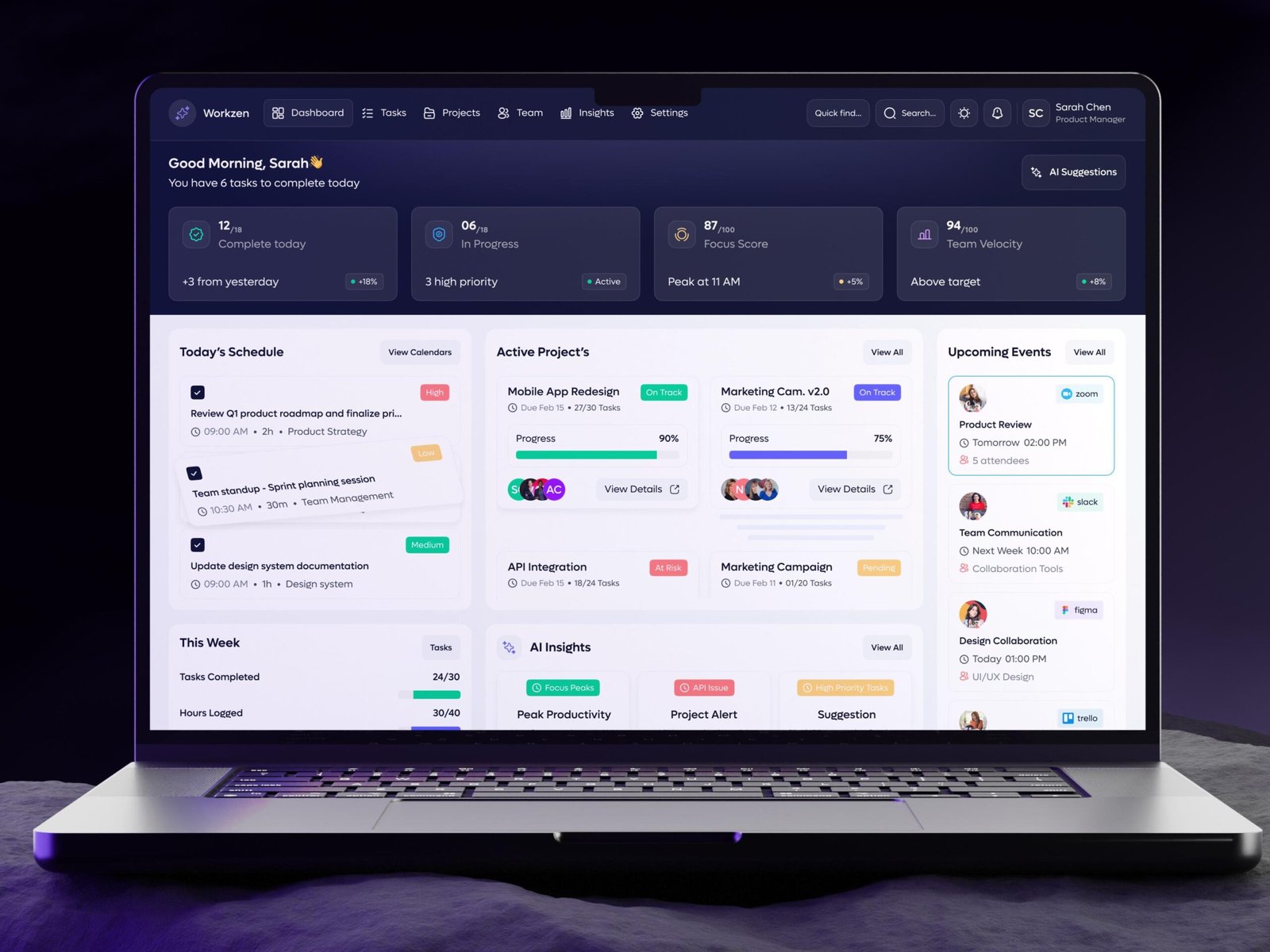
Managing a project is not just about creating a to-do list and assigning tasks. Teams also need to track deadlines, communicate with clients, manage resources, prepare reports and deal with unexpected changes. When several projects are running at the same time, keeping everything organized can become difficult.
This is where AI project management tools can make a real difference. These tools use artificial intelligence to help teams plan projects, organize tasks, summarize updates, automate repetitive work and understand project progress.
Instead of spending hours updating spreadsheets or following up on every small task, project managers can use AI-powered features to handle some of the routine work and focus more on important decisions.
In this guide, we will explore some of the best AI project management tools in 2026, their useful features, who should consider them and what to check before choosing one.
What Are AI Project Management Tools?
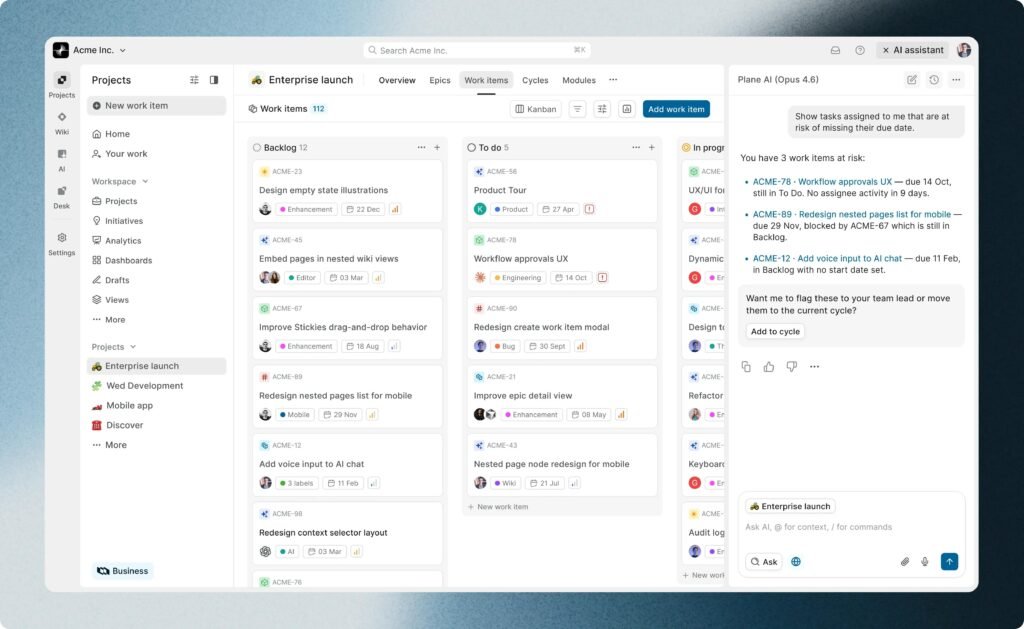
AI project management tools are software platforms that combine traditional project management features with artificial intelligence. They help individuals and teams organize projects, manage tasks, monitor deadlines and improve collaboration.
Traditional project management software usually depends on users to create tasks, update progress and prepare reports manually. AI-powered platforms can assist with some of these activities.
For example, you might enter a project description and ask an AI assistant to create a task list. It may suggest milestones, summarize a long project discussion or help prepare a progress report.
Depending on the platform, AI features may include:
- Automatic task creation and task suggestions
- Project summaries and status reports
- Smart scheduling and priority recommendations
- Workflow automation
- Risk and workload insights
- AI-generated project descriptions and documentation
- Natural-language search and project questions
The exact features depend on the software and subscription plan. AI assistance is useful, but important project decisions should still be reviewed by people.
10 Best AI Project Management Tools in 2026
There is no single platform that works best for every business. A freelancer managing a few client projects may need something simple, while a software company may require advanced reporting, team permissions and development workflows.
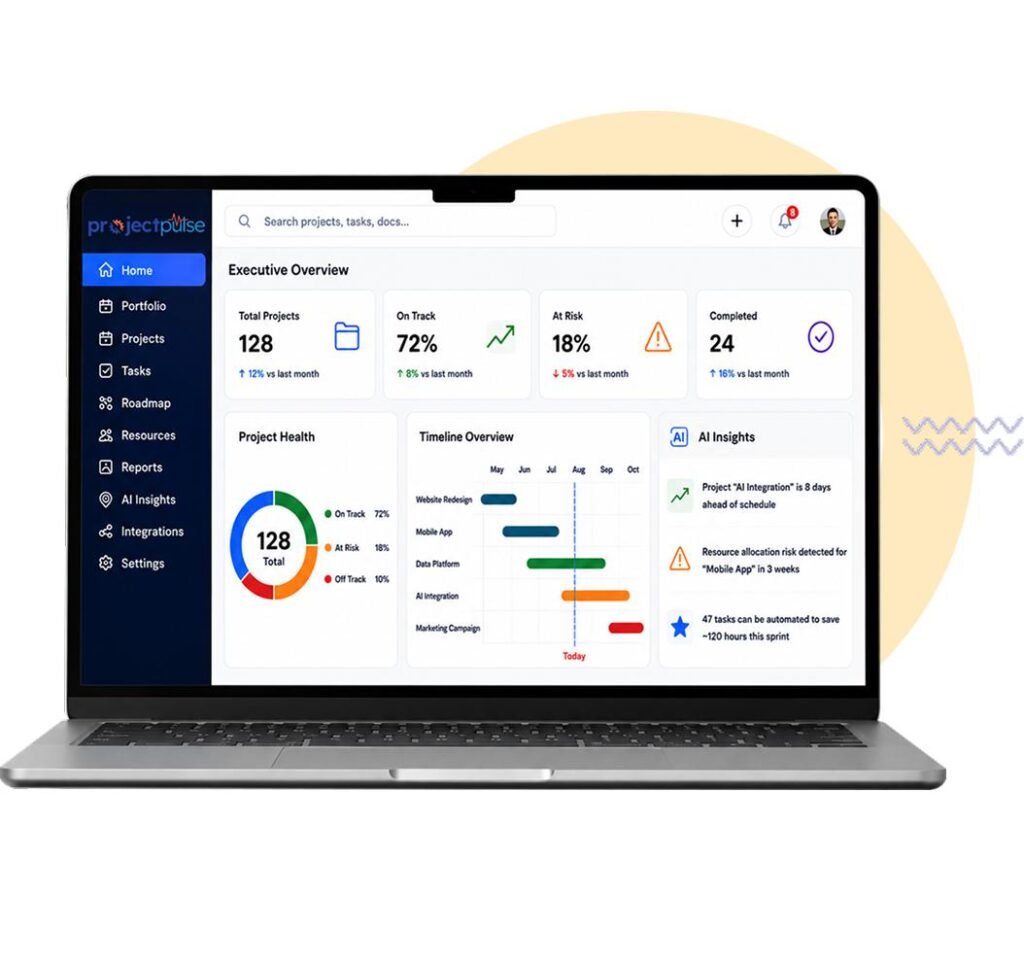
Here are 10 platforms worth considering.
#1. ClickUp – Best for All-in-One Project Management
ClickUp is a popular work management platform that brings tasks, documents, dashboards and team collaboration into one workspace. It is useful for businesses that want to manage several types of work without switching between too many applications.
Its AI features, available through ClickUp Brain and other AI capabilities, can help users summarize work, find information, generate content and understand project activity.
Key features:
- AI-powered task and document assistance
- Project summaries and updates
- Task management and customizable workflows
- Dashboards and progress tracking
- Team collaboration and document management
Best for: Startups, agencies, marketing teams and businesses managing multiple projects.
Things to consider: ClickUp offers many features, so new users may need some time to organize their workspace. Check which AI features are included in your selected plan.
Website: https://clickup.com/
#2. Asana – Best for Team Coordination
Asana helps teams organize work, assign responsibilities and track project progress. Its AI capabilities can assist with workflow automation, project updates and understanding work across different teams.
For example, a marketing manager can use Asana to organize a campaign into smaller tasks, assign team members and monitor deadlines. AI-supported features can help summarize progress and identify work that needs attention.
Key features:
- AI-supported project updates
- Task assignment and tracking
- Project timelines and workflow management
- Goals and reporting
- Team collaboration
Best for: Marketing departments, growing businesses and teams working across multiple departments.
Things to consider: Some advanced features and AI capabilities depend on the subscription plan. Teams should compare plans before purchasing.
Website: https://asana.com/
#3. monday.com – Best for Visual Project Workflows
monday.com is known for its visual boards and customizable workflows. Teams can create boards for marketing campaigns, website development, sales activities and other business processes.
Its AI features can help with content generation, data organization and workflow automation. This can be helpful for teams that want to reduce repetitive administrative work.
Key features:
- Customizable project boards
- AI-assisted content and workflow features
- Automation of repetitive tasks
- Timeline and workload views
- Team dashboards and collaboration
Best for: Small and medium-sized businesses, marketing teams and agencies.
Things to consider: Customization is useful, but too many boards and automations can make a workspace difficult to manage. Set up only the workflows your team actually needs.
Website: https://monday.com/
#4. Wrike – Best for Complex Projects and Larger Teams
Wrike is designed for teams that need detailed project planning, resource management and reporting. It can be particularly useful when several departments are working on connected projects.
Its AI capabilities can assist with project summaries, content generation and identifying potential issues in workflows. Some advanced AI features are designed for more complex business environments.
Key features:
- Project planning and task management
- AI-supported project insights
- Workload and resource management
- Custom dashboards and reports
- Workflow automation
Best for: Large organizations, project management offices and teams handling complex projects.
Things to consider: Wrike has a broad feature set. Smaller teams should check whether they really need its advanced project controls.
Website: https://www.wrike.com/
#5. Notion – Best for Project Documentation and Planning
Notion combines notes, documents, databases and project organization in one workspace. It is especially useful for teams that prefer keeping project information, meeting notes and task lists together.
Notion AI can help users write and improve documents, summarize information and find answers from workspace content, depending on the available plan and features.
Key features:
- AI writing and summarization assistance
- Project databases and task boards
- Shared documents and knowledge bases
- Meeting notes and documentation
- Customizable team workspaces
Best for: Freelancers, content teams, startups and businesses that rely heavily on documentation.
Things to consider: Notion is flexible, but teams may need to build their own project management structure. It may not replace specialist resource-planning software for complex projects.
Website: https://www.notion.com/
#6. Jira – Best for Software Development Teams
Jira is widely used by software development teams to manage tasks, bugs, product backlogs and development workflows. It supports Agile approaches such as Scrum and Kanban.
Atlassian’s AI capabilities, including Rovo features, can help teams search for information, understand work items and improve collaboration across connected tools.
Key features:
- Agile boards and sprint planning
- Bug and issue tracking
- Development workflow management
- AI-assisted search and collaboration
- Reports and project tracking
Best for: Software developers, IT departments and product development teams.
Things to consider: Jira is powerful for technical teams, but its setup and terminology may feel complicated to people who only need basic task management.
Website: https://www.atlassian.com/software/jira
#7. Motion – Best for AI-Powered Scheduling
Motion takes a slightly different approach to project management. It focuses on organizing tasks and schedules around available time.
Rather than simply showing a list of pending tasks, Motion can help users plan when work should happen. Its scheduling features can adjust task plans when priorities or calendar commitments change.
Key features:
- AI-assisted task scheduling
- Calendar and task management
- Deadline and priority planning
- Automatic schedule adjustments
- Individual and team work planning
Best for: Freelancers, consultants, managers and busy professionals who struggle to organize their daily schedules.
Things to consider: Motion is particularly focused on scheduling. Businesses needing extensive portfolio management or software development tracking may prefer a different platform.
Website: https://www.usemotion.com/
#8. Hive – Best for Flexible Team Collaboration
Hive is a project management platform that brings task management, collaboration and project planning together. It offers different ways to view and organize work, helping teams choose a workflow that suits their needs.
Hive’s AI features can assist with project planning and content-related tasks, depending on the available plan.
Key features:
- Project and task management
- Multiple project views
- Team messaging and collaboration
- AI-assisted planning and content support
- Workflow automation
Best for: Small and medium-sized teams, agencies and businesses looking for flexible project management.
Things to consider: Review the available integrations and AI usage limits to make sure the platform fits your team’s daily workflow.
Website: https://hive.com/
#9. Microsoft Planner – Best for Microsoft 365 Users
Microsoft Planner is useful for organizations that already work with Microsoft 365 applications. It helps teams organize tasks, assign responsibilities and track work.
Microsoft is also bringing AI capabilities into its work management ecosystem through Microsoft 365 Copilot and related experiences. The exact features available depend on the product, license and organization setup.
Key features:
- Task assignment and tracking
- Shared project plans
- Integration with Microsoft 365
- Task organization and progress views
- AI assistance through eligible Microsoft experiences
Best for: Businesses already using Microsoft Teams, Outlook and other Microsoft 365 services.
Things to consider: Do not assume every AI feature is included in a standard Microsoft 365 subscription. Check the required Planner and Copilot licenses.
Website: https://www.microsoft.com/microsoft-365/planner/
#10. Smartsheet – Best for Spreadsheet-Based Project Management
Smartsheet is a work management platform that uses a familiar spreadsheet-style interface. It is suitable for businesses that prefer rows, columns and structured project data instead of a more visual task board.
Its AI capabilities can help users work with information, generate formulas and understand project data, depending on the product plan.
Key features:
- Spreadsheet-style project tracking
- Project dashboards and reports
- Workflow automation
- Resource and task management
- AI-supported data assistance
Best for: Operations teams, project coordinators and businesses managing structured data.
Things to consider: Users who prefer simple visual boards may find the spreadsheet-based interface less intuitive.
Website: https://www.smartsheet.com/
Comparison of the Best AI Project Management Tools
Here is a quick comparison to help you understand which platform may suit your requirements.
| Tool | Best For | Main Strength |
|---|---|---|
| ClickUp | All-in-one project management | Tasks, documents and AI assistance |
| Asana | Team coordination | Workflows and project visibility |
| monday.com | Visual workflows | Customizable boards and automation |
| Wrike | Complex projects | Resource and project management |
| Notion | Documentation and planning | Notes, databases and AI assistance |
| Jira | Software development | Agile planning and issue tracking |
| Motion | Daily scheduling | AI-assisted time management |
| Hive | Team collaboration | Flexible project workflows |
| Microsoft Planner | Microsoft 365 users | Connected work management |
| Smartsheet | Structured project tracking | Spreadsheet-style management |
Features and availability can vary by plan, region and product updates. Check each provider’s official website for current details.
How AI Project Management Tools Help Businesses
AI project management software is not just for large companies. Freelancers, small agencies, startups and established organizations can all use these platforms to improve the way they organize work.

Here are some practical ways they can help.
#1. Save Time on Repetitive Tasks
Project managers often spend time creating task descriptions, preparing reports and writing routine updates. AI assistants can help draft these materials, allowing team members to spend less time on administration.
#2. Improve Project Planning
Some tools can turn a project description into suggested tasks, milestones and smaller activities. This gives teams a starting point when planning a new website, marketing campaign or product launch.
The suggested plan should still be checked by someone who understands the project’s budget, scope and deadlines.
#3. Make Team Communication Easier
Long discussions can make it difficult to identify important decisions. AI summarization features can help turn conversations or project updates into shorter summaries and action items.
This is useful when team members cannot attend every meeting or need to catch up on project progress.
#4. Monitor Deadlines and Workload
AI-supported scheduling and reporting features can help teams understand upcoming deadlines and workload distribution. Some platforms can also highlight possible delays or tasks that need attention.
These insights are helpful, but they depend on accurate task updates and realistic deadlines.
#5. Reduce Manual Reporting
Instead of preparing every project update from scratch, teams may be able to generate summaries from the information already stored in their project management platform.
A project manager should review the final report to make sure it reflects the actual work completed.
How to Choose the Right AI Project Management Software
Choosing a tool simply because it advertises AI features is not a good approach. The right software should solve a real problem for your team.
Before selecting a platform, consider the following points.
#1. Understand your project requirements
Decide whether you mainly need task tracking, team collaboration, automated scheduling, resource management or detailed project reporting.
#2. Check the AI features
Look beyond the word “AI”. Find out whether the platform can actually help with the tasks you perform regularly, such as summarizing updates, creating tasks or identifying possible delays.
#3. Consider ease of use
A complicated platform can slow down a team if employees struggle to use it. Choose software that matches your team’s technical experience.
#4. Review integrations
Check whether the tool connects with applications your team already uses, such as email, calendars, document storage, communication platforms and development tools.
#5. Understand the pricing
Some platforms offer free plans, while advanced AI features may require paid subscriptions, add-ons or usage credits. Compare the total cost for all team members before making a decision.
#6. Check security and data privacy
Project management software may contain client information, business documents and internal discussions. Review its security controls, data policies, access permissions and AI data-handling terms before uploading sensitive information.
Are AI Project Management Tools Worth It?
For many businesses, AI project management tools can be a worthwhile investment when they reduce repetitive work and improve project visibility.
For example, a digital marketing agency managing several client websites could use one platform to assign SEO tasks, track content deadlines, organize website updates and prepare progress summaries. A software development company may use another platform to manage bugs, sprints and product releases.
However, AI is not a replacement for a skilled project manager. It cannot independently understand every client expectation, handle every team conflict or make all business decisions correctly.
The best results usually come when teams combine useful AI features with clear processes, accurate information and human supervision.
FAQs.
Q1. What are the best AI project management tools in 2026?
ClickUp, Asana, monday.com, Wrike, Notion, Jira and Motion are among the platforms worth exploring. The right choice depends on your team size, project type and required features.
Q2. Are there free AI project management tools?
Some platforms offer free plans with basic project management features. However, advanced AI capabilities may be limited, require a paid subscription or use separate credits. Always check the current plan details.
Q3. Can AI manage a project automatically?
AI can assist with task creation, scheduling, summaries, workflow automation and other activities. However, project scope, budgets, important deadlines and business decisions should remain under human supervision.
Q4. Which AI project management tool is best for small businesses?
ClickUp, Asana, monday.com and Notion are worth comparing for small businesses. The best option depends on whether you need an all-in-one workspace, structured task management, visual workflows or documentation.
Q5. Is AI project management software useful for freelancers?
Yes. Freelancers can use these tools to organize client work, track deadlines, plan their schedules and manage multiple assignments. A simple platform may be sufficient if they work independently.
Q6. What should I check before buying an AI project management tool?
Check its core project management features, AI capabilities, pricing, integrations, ease of use, security policies and data privacy terms. A free trial or free plan can help you test the platform before committing.
Final Thoughts
AI project management tools are changing how businesses plan, organize and monitor their work. They can help reduce repetitive tasks, improve team coordination and make project information easier to understand.
For an all-in-one workspace, ClickUp is worth exploring. Asana is a strong option for structured team coordination, monday.com is useful for visual workflows, Jira suits software development teams, and Motion is worth considering if scheduling is your main challenge.
Before choosing any platform, identify the problems you want to solve and test the features your team will actually use. The best AI project management software is not necessarily the one with the most AI features. It is the one that helps your team complete work more efficiently and with fewer unnecessary complications.
Note: Product features, subscription plans and AI usage limits can change. Confirm the latest information on the official websites before purchasing.