
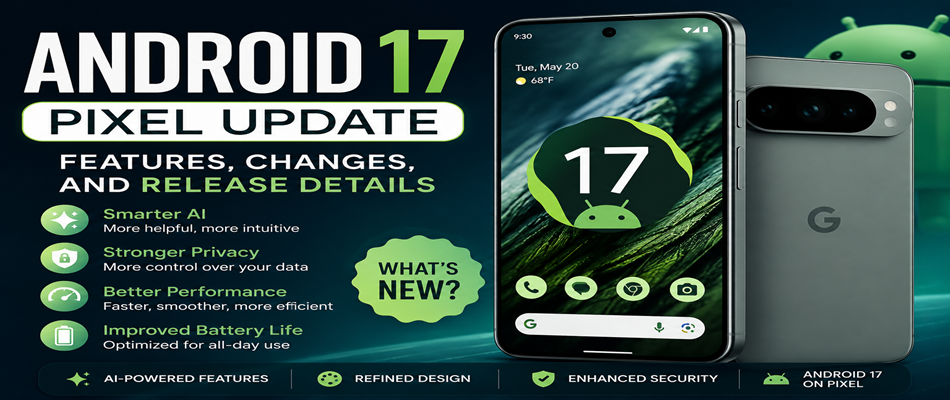
Android 17 on Pixel feels less like a “big announcement” and more like a quiet improvement in how your phone fits into your daily life. You may not notice everything in the first few minutes, but after using it for a while, the changes start to feel natural—almost like the phone is finally “getting you” a little better.
It’s not about flashy redesigns this time. It’s about smoother moments, fewer small frustrations, and a more thoughtful Android experience overall.
A Smarter Phone That Learns Your Routine
One of the most noticeable improvements in Android 17 is how your Pixel adapts to your usage. It doesn’t feel aggressive or obvious—but it quietly learns.
If you open WhatsApp every morning, your phone starts preparing it faster. If you usually check news in the evening, notifications become more relevant. Even simple actions like replying to messages or switching apps feel more guided and less repetitive.
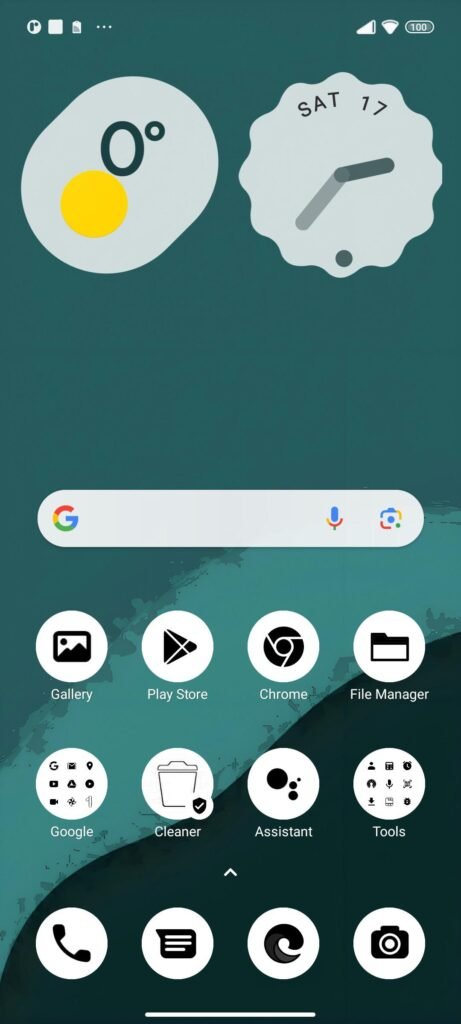
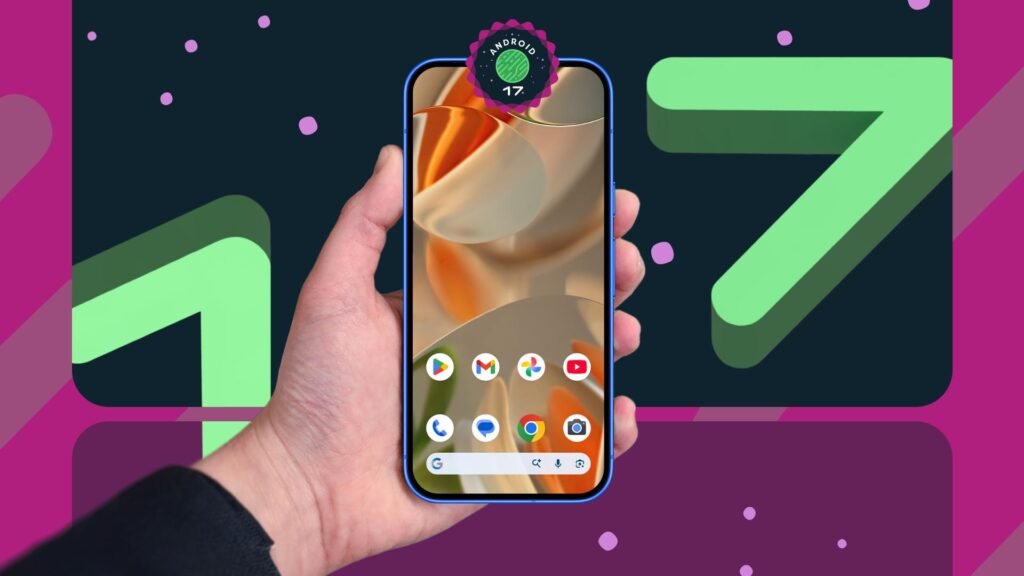
A Cleaner, Calmer Interface
Android 17 doesn’t try to reinvent the Pixel interface—it smooths it out.
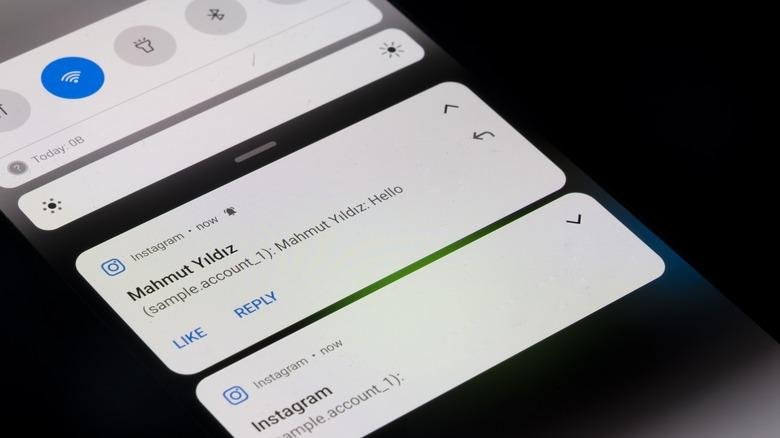
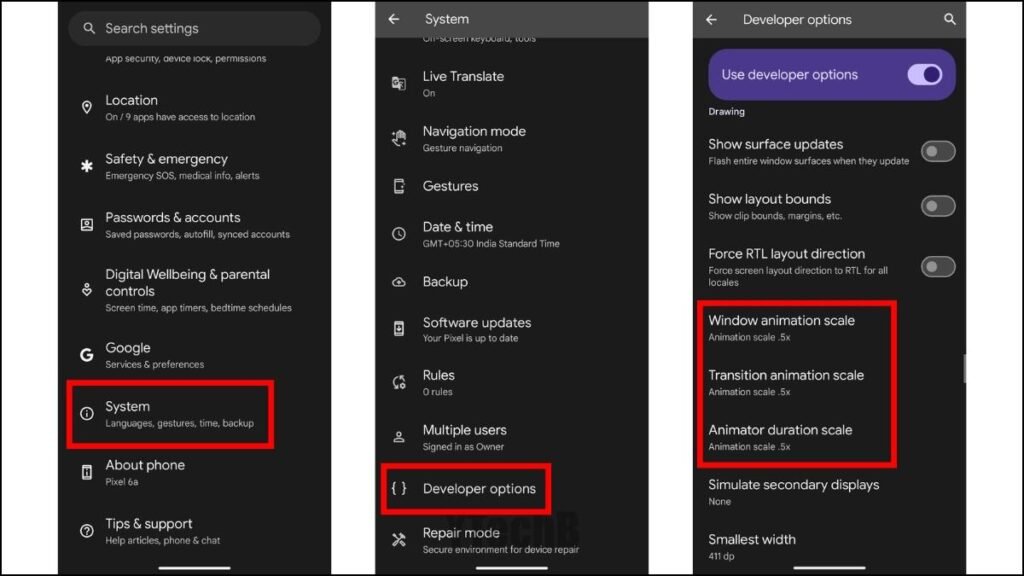
Animations feel softer, transitions feel more natural, and the entire system has a calmer visual flow. The notification panel is cleaner, grouping things in a way that feels less overwhelming.
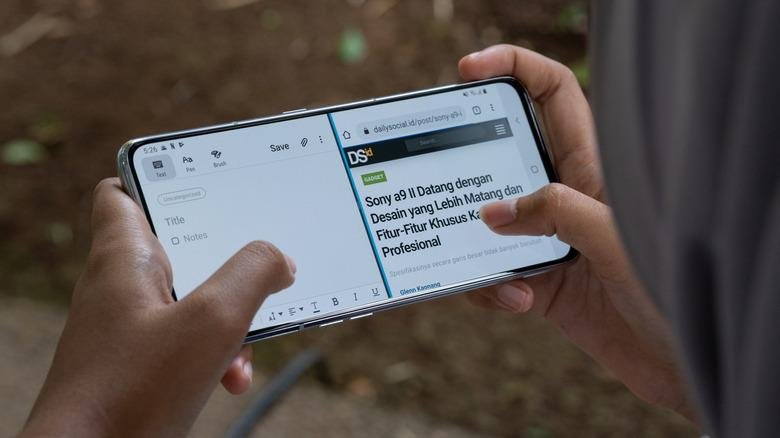
Even small things matter here—like how quickly the quick settings respond or how fluid the app switching animation feels. It all adds up to a phone that feels more “alive” but less chaotic.
Performance That You Feel Over Time
This is the kind of update where you don’t immediately say “wow”—but after a few days, you realize your phone is just behaving better.
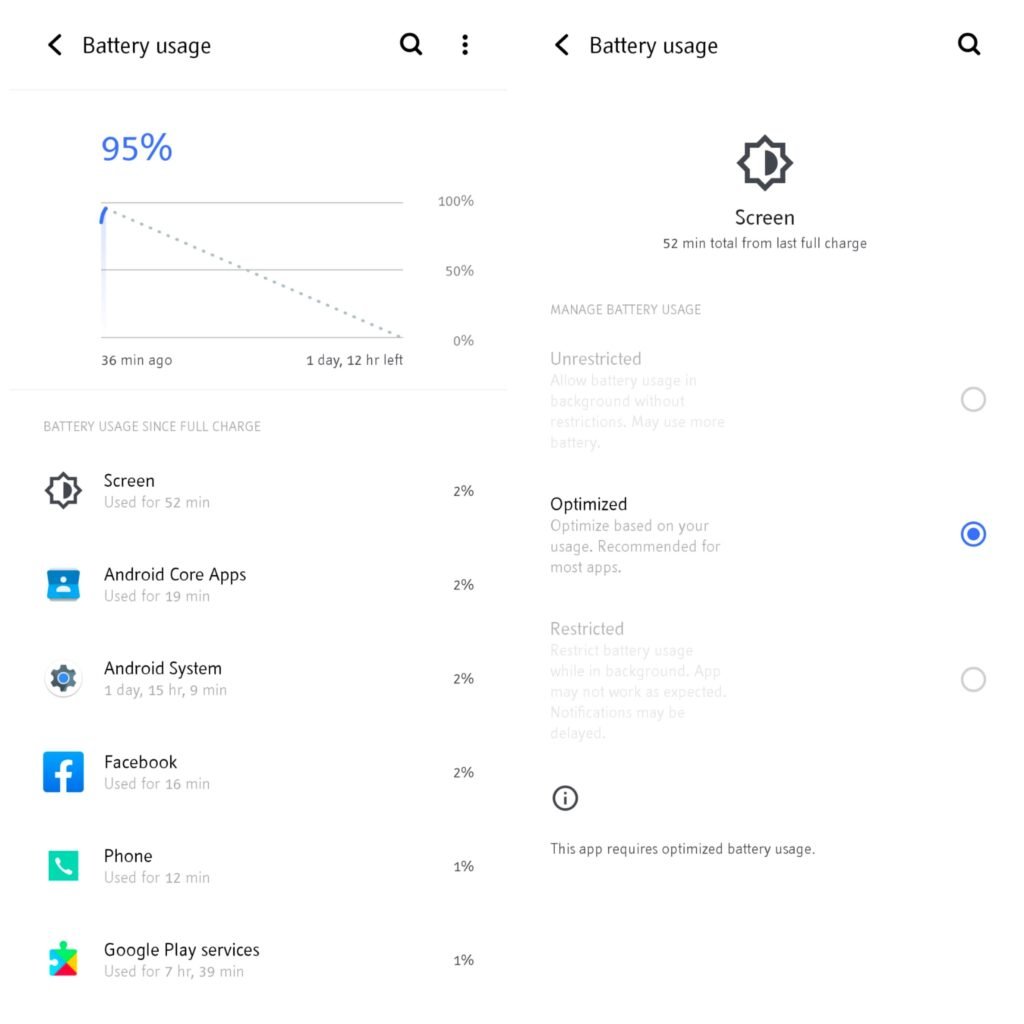
Apps open a bit faster, background apps don’t slow things down as much, and battery usage feels more balanced throughout the day.
It’s the kind of improvement you appreciate most when you’re actually busy—when your phone simply keeps up without demanding attention
Privacy That Feels More Transparent
Android 17 also continues Google’s focus on giving users more control without making things complicated.
Now it’s easier to see when apps are using your camera, microphone, or location. Permissions feel more temporary and flexible, so you don’t always have to commit long-term access if you don’t want to.
It’s a small shift—but an important one for everyday trust.
Pixel Camera Gets Smarter, Not Just Better
Pixel cameras have always been strong, and Android 17 improves them in a subtle but meaningful way.
Photos in low light look cleaner, portraits feel more natural, and processing happens faster. You don’t need to change settings or do anything differently—the results just come out better on their own.



Release Rollout
Android 17 is rolling out in phases for Pixel devices. If your device is supported, you’ll see the update in your system settings under software update.
Newer Pixel models get it first, while older supported devices follow shortly after.
Final Thoughts
Android 17 doesn’t try to impress you with something completely new. Instead, it improves the small, everyday moments—unlocking your phone, replying to messages, scrolling, switching apps.
It feels less like an update and more like your Pixel slowly becoming easier to live with.
And honestly, that’s often the best kind of upgrade